
The Mercedes-Benz App offers a wide range of remote-access services that allow you to connect to your Mercedes-Benz vehicle directly from your smartphone. Now, all the convenient Mercedes-Benz App features are also available on your Apple Watch. With this new integration, Summerlin drivers like you will no longer have to access your smartphone to take advantage of all of the Mercedes-Benz App functions and services.
This guide from the dedicated team at Fletcher Jones Imports will explain how to set up the Mercedes-Benz App on your Apple Watch and fill you in on how the enhanced digital access features allow you to seamlessly interact with your vehicle. If you have any questions, please give us a call at (702) 364-2700 or stop by our dealership in Las Vegas for a demonstration.
The Mercedes-Benz App on Apple Watch makes it easier than ever for drivers from Spring Valley to North Las Vegas to enjoy an interactive user experience when they are away from their vehicle. Here are some of the important Mercedes-Benz App features* that can now be accessed from your Apple Watch:
For you to utilize the Mercedes-Benz App on an Apple Watch, you will first need to make sure that your smart devices are running the latest version of the application’s software. Then, follow these simple steps to set up the Mercedes-Benz App on your Apple Watch:
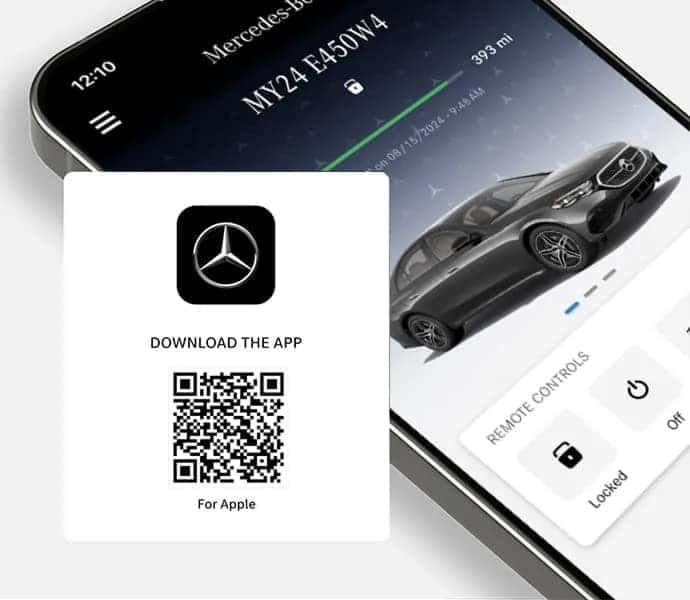
If you need assistance setting up the Mercedes-Benz App on your smartphone or Apple Watch, please don’t hesitate to contact the team at Fletcher Jones Imports. Our experts can walk you through the process and answer any questions you may have about the Mercedes-Benz App, as well as the other advanced tech and safety features offered on the vehicles in our new Mercedes-Benz inventory. We’re certain you will find that the innovative technologies built into your Mercedes-Benz will enhance your driving experience on the roads in and around Pahrump and Centennial Hills.


Chat online with our Team Members to assist you with all your automotive needs.


Speak with one of our Team Members to learn more about car buying options.


Provide us with your best email or phone number, and we’ll reach out to you!
Our dedicated team is eager to support you on your Mercedes-Benz journey.
*The availability of certain features in the Mercedes-Benz App on Apple Watch is dependent on the vehicle's model and equipment. Features such as Navigation and EV-specific functions may only be available on eligible vehicles. The Mercedes Benz Mobile App is also required, and available for 2019 and newer models. For more details on feature compatibility, please refer to your vehicle's specifications.
